
See it in action
Each screen paired with what it does. No filler gallery.
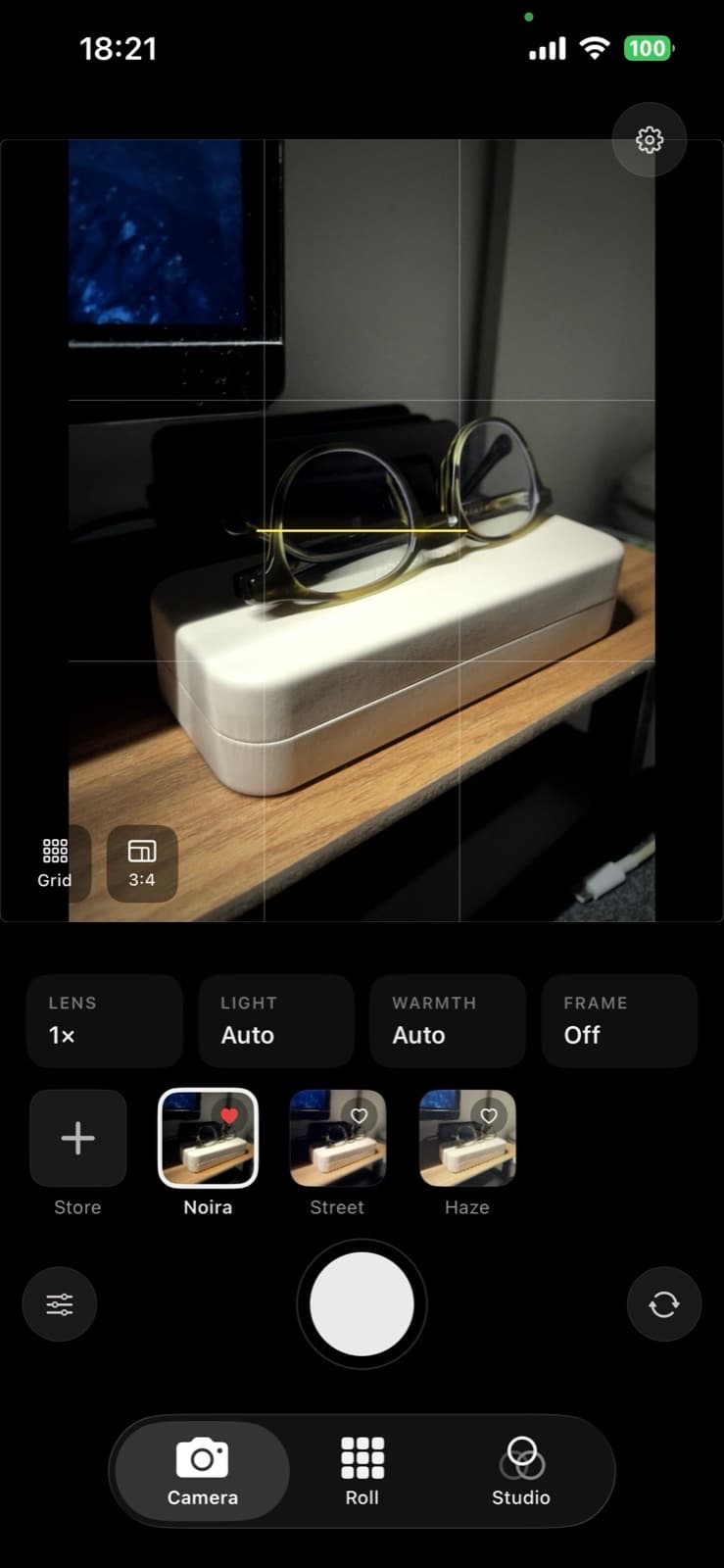
A camera built for people who care how their photos feel. Shoot with film-style looks, organize in your Roll, fine-tune in Studio.
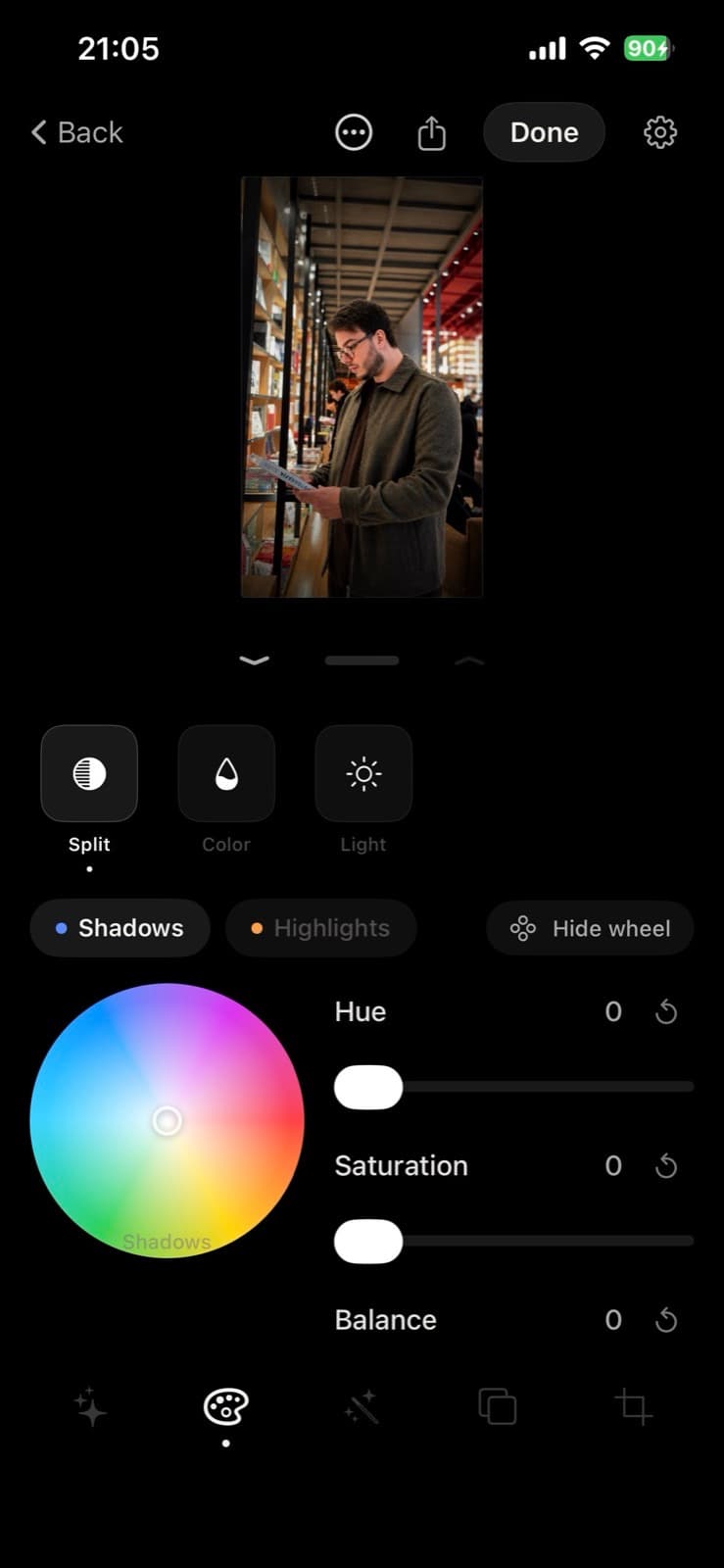
Import a photo, apply a look, fine-tune the grade with split toning and color tools, crop, and export. Edits stay non-destructive until you save.
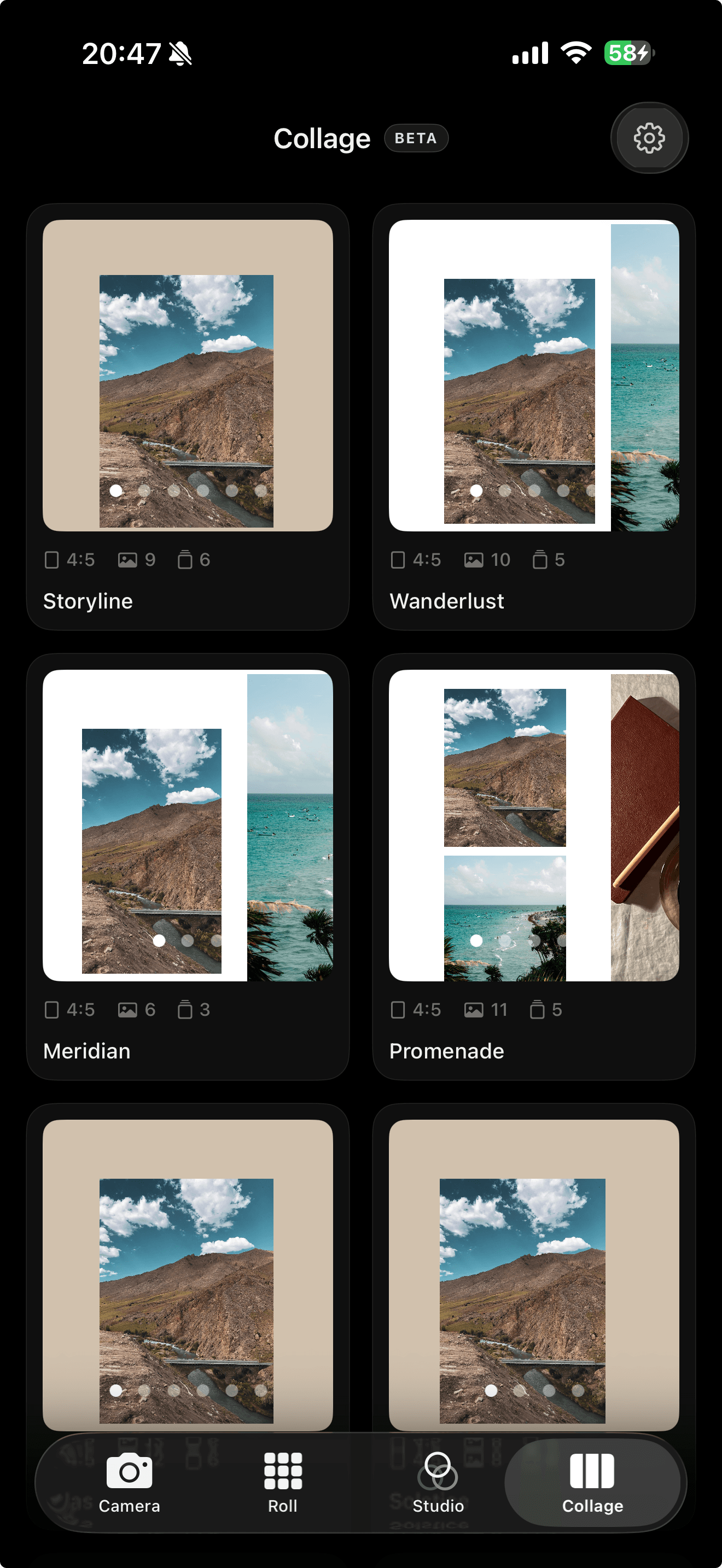
Collage mode helps you build Instagram posts inside the app: pick a layout, drop in photos from your Roll, and tweak before you share. Pair it with feed preview to see how the post sits on your grid.
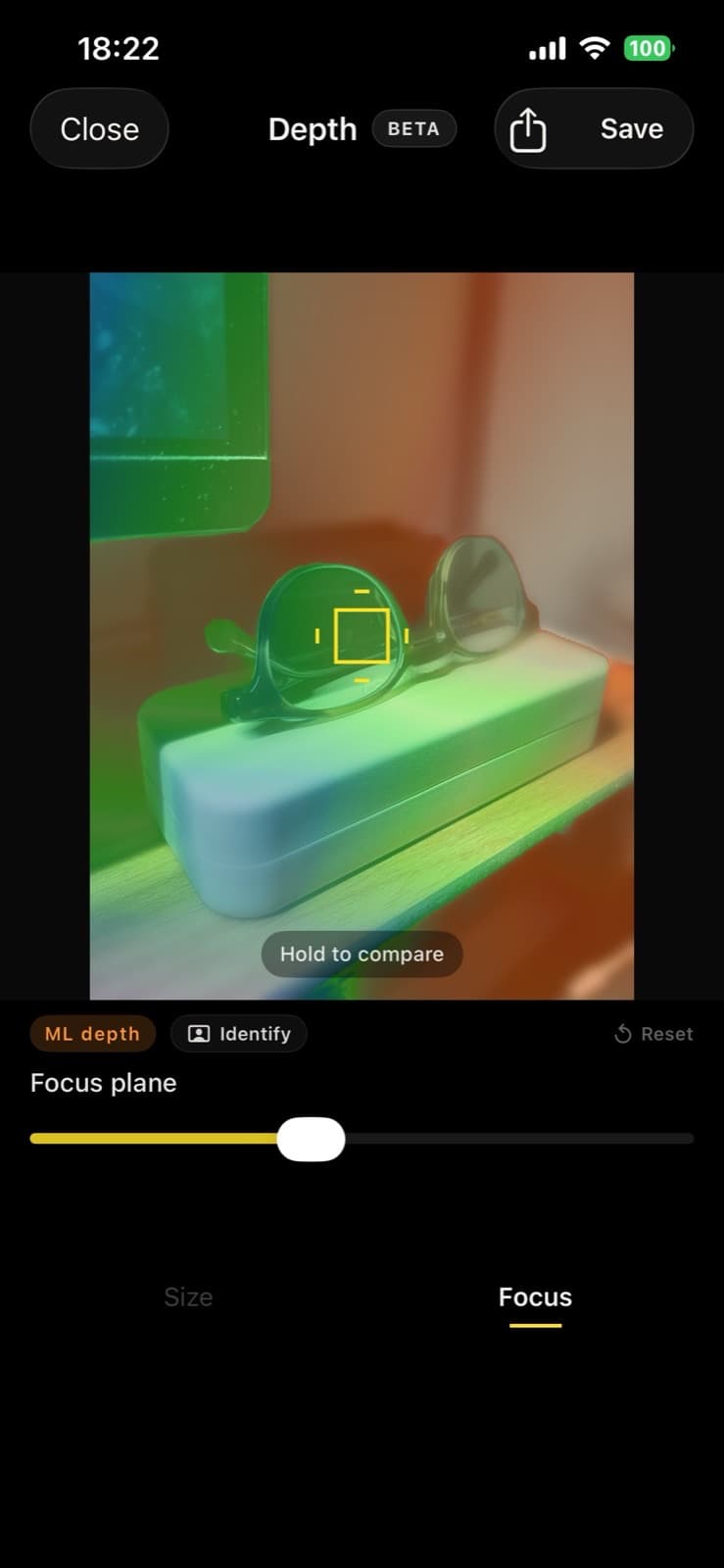
Depth mode lets you reshape focus after the shot. Portrait photos use Apple's mattes; everything else runs an on-device depth model for a real lens blur, not a fake vignette.
How it's built
Noira Cam is built around Apple's imaging stack. The camera captures through AVFoundation, film looks are rendered as stacked Core Image filter chains (split toning, grain, halation), and Studio edits are non-destructive: parameters stored as a recipe, only baked when you export.
Depth mode is the rabbit hole. Portrait shots read auxiliary mattes straight from PhotoKit; everything else runs Depth Anything V2 through Core ML to predict a depth map on device. Vision person segmentation keeps the subject sharp while the background gets a real distance-based blur. Circle of confusion math, not a lazy edge vignette.
The Roll syncs with your library through PhotoKit, feed preview renders your grid before you post, and full-resolution exports are handled carefully so Core Image contexts don't blow up memory on a phone.
Stack